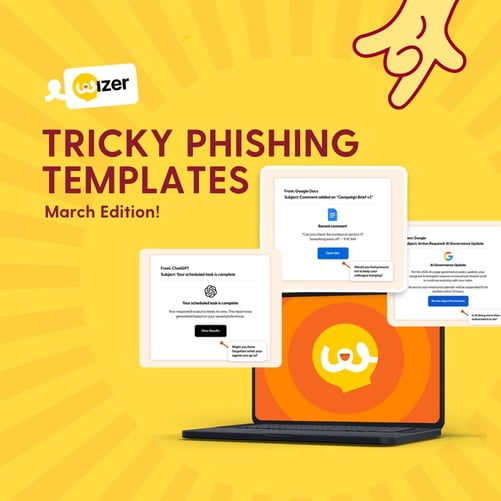
By March, the rush of the new year has settled. Workflows are established. Notifications blur together. AI tools, collaboration platforms, and cloud systems are running quietly in the background.
That's exactly where attackers focus.
This month isn't about urgency or obvious red flags. It's about the emails that don't even register as decisions. The ones you click before you've finished reading them. In 2026, the most dangerous phishing emails aren't the ones that make you panic. They're the ones that feel like Tuesday.
Download these phishing templates for your in-person security awareness training materials!
Reward Trap
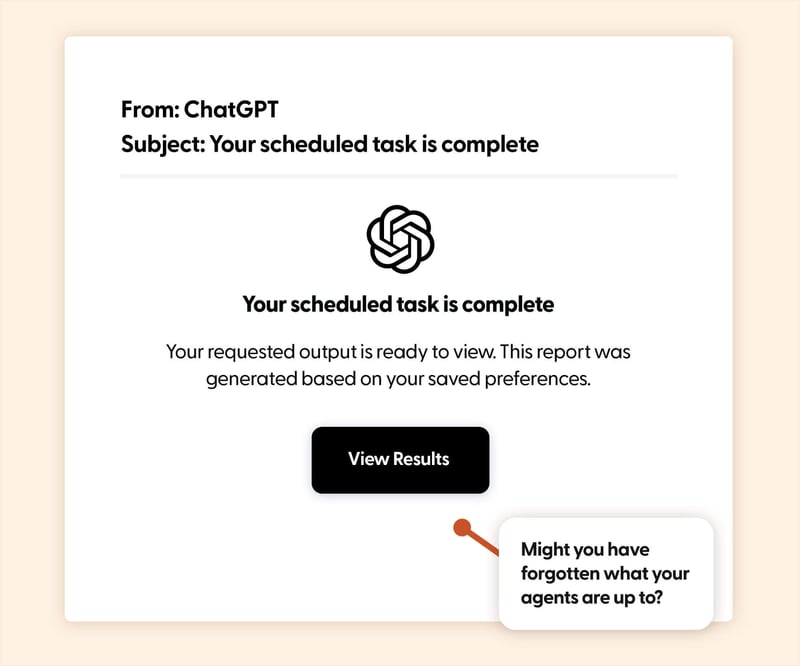
The Hook: AI tools are becoming passive assistants, running tasks in the background. When something completes, users aren't cautious. They're expecting value. A "your result is ready" message creates a reward moment, not a risk signal.
Real-World Risk: The link leads to a fake login or session capture page, allowing attackers to access saved prompts, connected tools, or sensitive data processed through the AI platform.
Learning Moment: AI tools typically require you to log in and check results directly. Unlike traditional services, AI platforms often have access to your connected apps, documents, and conversation history, making a compromised session far more damaging than a stolen password. Access the platform manually instead of trusting email links.
Noted
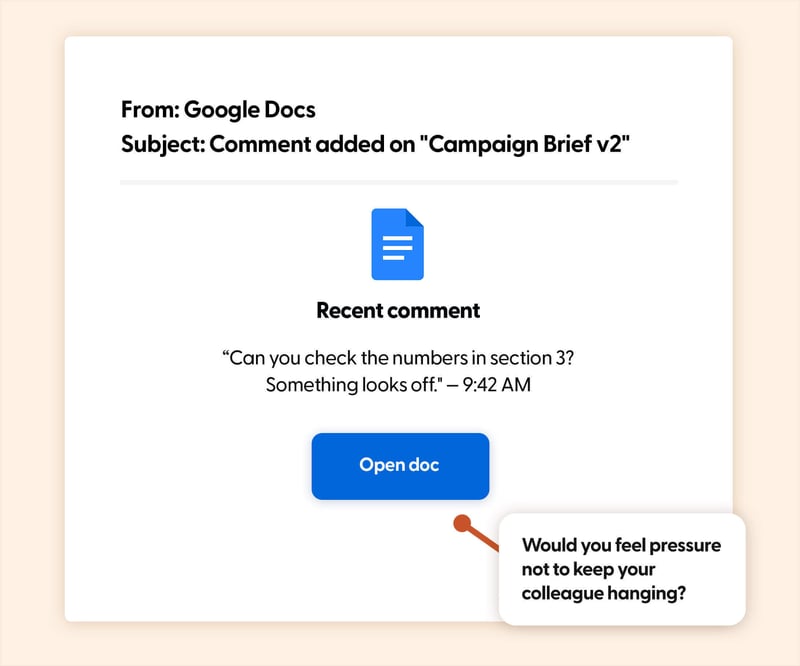
The Hook: Collaboration platforms have trained users to respond instantly to comments. A notification that someone has "left feedback" feels routine, and clicking is the default behaviour.
Real-World Risk: The link redirects to a spoofed document login page designed to capture credentials or session tokens.
Learning Moment: The psychological trick here is context. The email references your document and names a real colleague, making it feel like part of an ongoing conversation. Attackers scrape org charts and project names from LinkedIn and public sources to make these lures hyper-specific. When a comment notification arrives, open the platform directly rather than following the email link.
Read Receipts
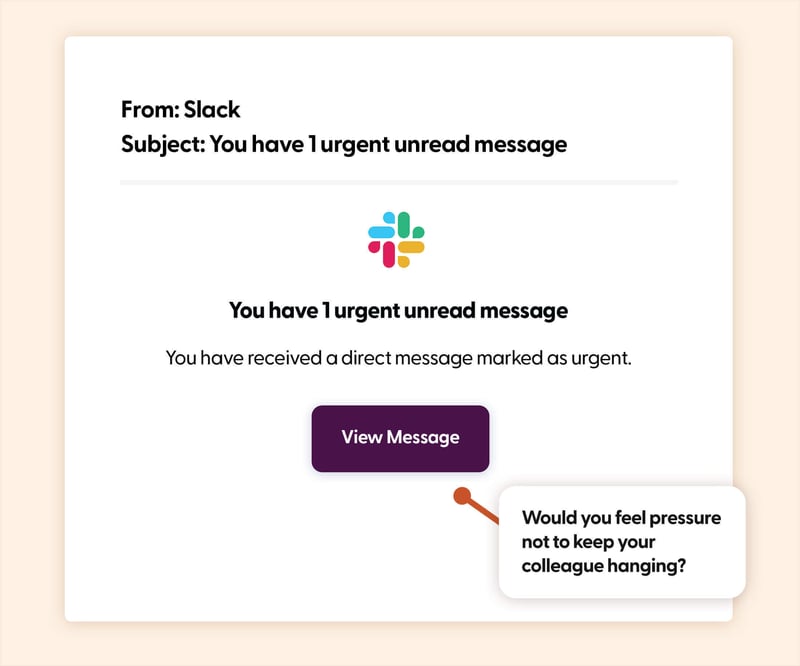
The Hook: Slack notifications are constant, and when one is flagged as urgent, the instinct to act is even stronger. An "urgent unread message" doesn't feel suspicious. It feels like something you need to deal with right now. That habit leads to fast, unthinking clicks.
Real-World Risk: The link leads to a fake Slack login page, giving attackers access to internal conversations, shared files, and team workflows.
Learning Moment: Internal tools carry a false sense of safety. People apply more scrutiny to external emails than to notifications from platforms they associate with trusted colleagues. That's what makes this lure effective. It exploits the trust boundary between "inside" and "outside" communication. Slack activity can always be checked directly in the app.
Change of Plans
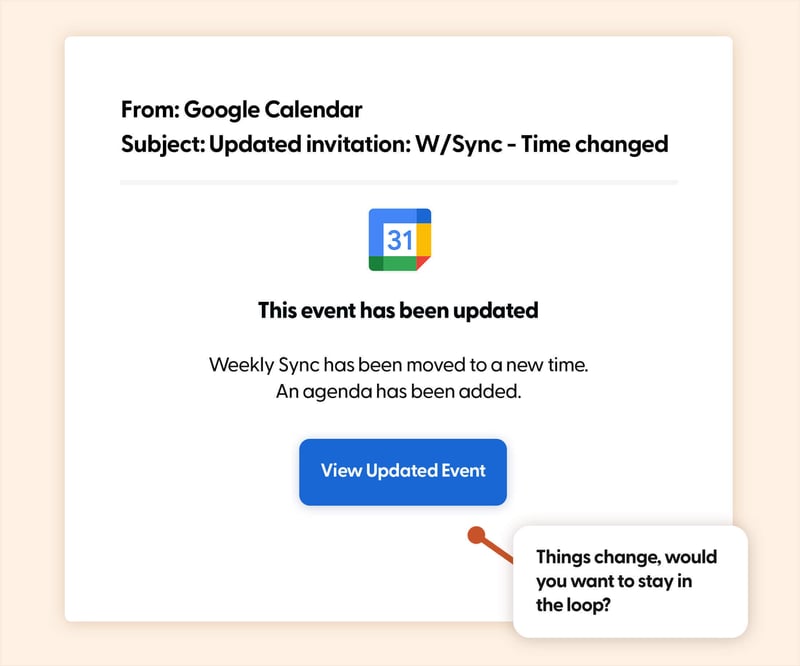
The Hook: A calendar invite update for an existing meeting, maybe a time change or a newly added agenda, feels completely administrative. People don't question updates to events already on their calendar, especially during a busy week.
Real-World Risk: The "updated agenda" or "join meeting" link leads to a credential harvesting page, or triggers a malicious OAuth consent prompt that grants the attacker persistent access to the victim's email and calendar.
Learning Moment: Calendar-based attacks are rising because they bypass the inbox entirely in some configurations. The invite appears directly on your calendar without email interaction. If a meeting update includes a link you weren't expecting, open your calendar app directly to verify the details. Be especially wary of OAuth prompts triggered by calendar links.
Staying Connected
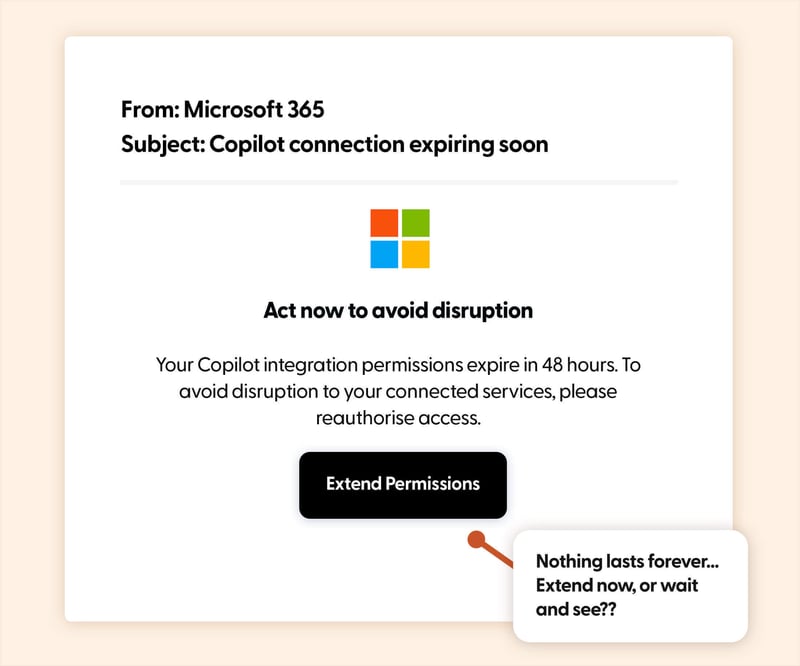
The Hook: AI integrations and connected services now require periodic reauthorisation. A notification that a connection is about to expire doesn't feel like a threat. It feels like maintenance. The email implies that not clicking will break something that's already working, which flips the usual dynamic. Instead of being lured toward something new, you're being pressured to preserve something you already rely on.
Real-World Risk: The link leads to a fake OAuth consent screen. If approved, the attacker gains persistent access to email, documents, calendars, and any services connected through that integration. Unlike a stolen password, OAuth tokens often bypass MFA entirely.
Learning Moment: Legitimate reauthorisation requests almost always happen inside the platform itself, not via email. If a connected service genuinely needs your attention, you'll see it when you log in. Any email asking you to "extend" or "renew" permissions should be verified by going directly to the app's settings page.
The Human Layer: Clicking on Autopilot
Not every phishing email creates urgency. Some of the most effective ones remove it entirely.
They look like routine updates. Normal notifications. Everyday collaboration. When actions become habits, they stop feeling like decisions. The click happens automatically. And that's exactly the moment attackers are counting on.
The most important security skill in 2026 isn't suspicion. It's the habit of pausing before the habitual click.
Want to explore more? Browse our blog for additional templates, and stay ahead of cyber threats with our curated training resources.
Ready to level up? Register for a free trial of Wizer Boost to access our full library of phishing templates and exercises!
Learn how to set up your first simulation in minutes.