As the holiday dust settles and the "New Year, New Me" energy kicks in, employees are returning to their desks with a focus on organization and productivity. Inboxes are being cleared, calendars are being color-coded, and administrative tasks are being tackled.
Cybercriminals know that this "admin mode" is the perfect camouflage for phishing attacks. January is a prime time for scams disguised as boring, routine maintenance like policy updates, schedule syncs, and benefit renewals.
Because employees are already in the mindset of clicking "Approve" or "Verify" to clear their to-do lists, their critical thinking filters are often lowered. These five phishing simulations are designed to test that specific post-holiday complacency.
Download these phishing templates for your in-person security awareness training materials!
Sync or Swim
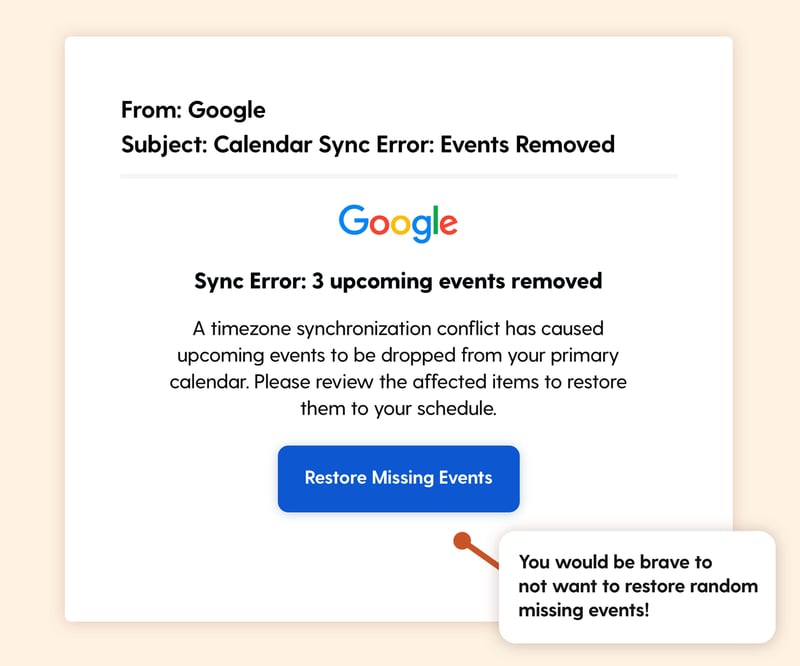
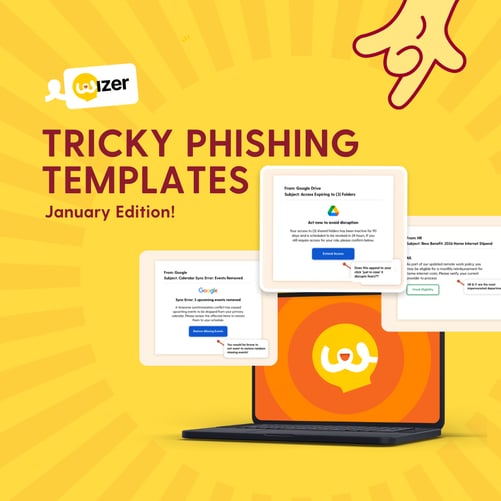
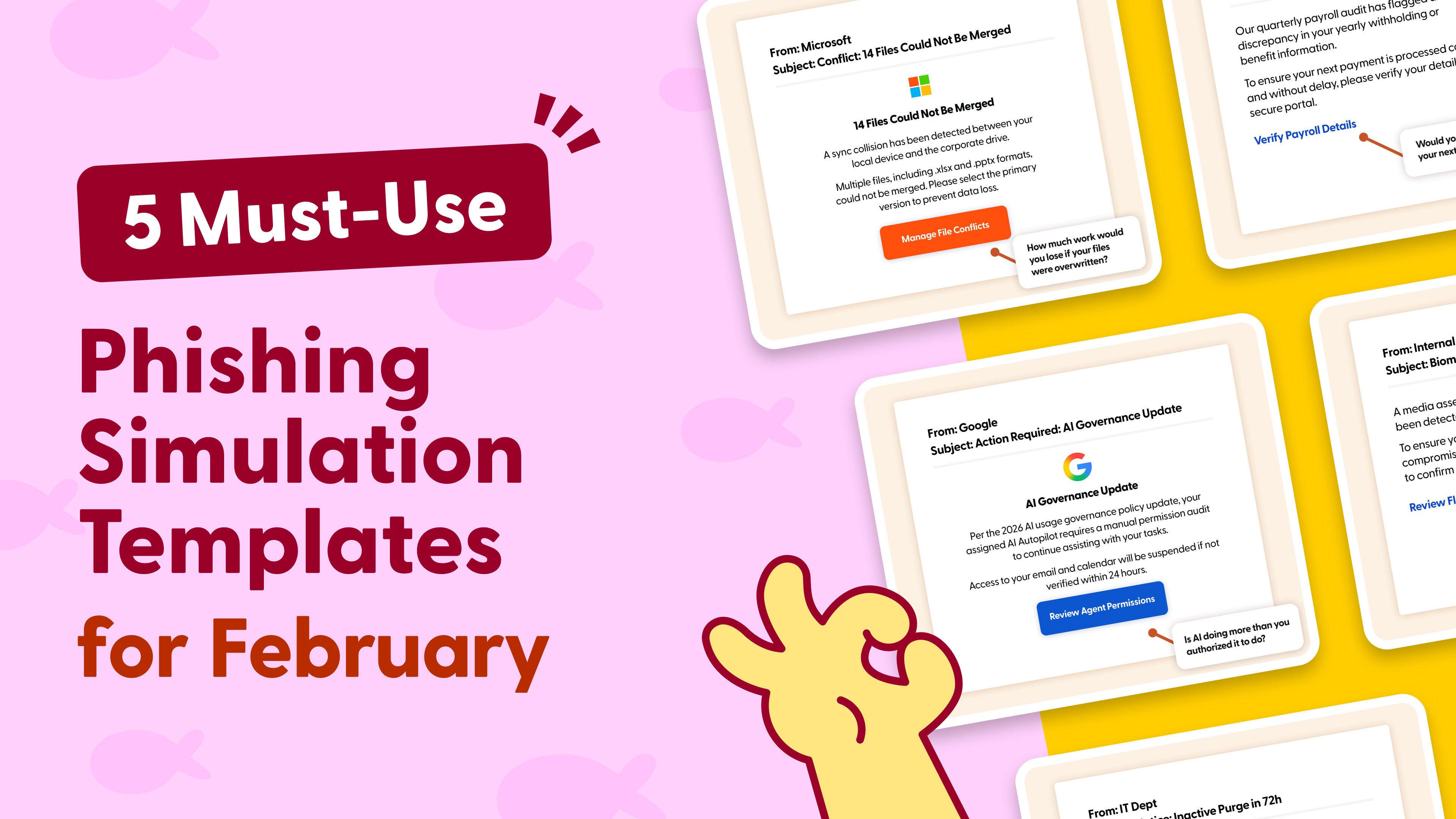
Scenario: Employees receive an automated notification from "IT Support" or "System Admin" alerting them that a timezone synchronization error has caused upcoming meetings to be removed from their primary calendar. A button prompts them to "Restore Missing Events."
The Hook:
This simulation triggers professional anxiety. No one wants to be the person who misses a client call or a team update because their calendar "broke." The fear of appearing unreliable or disorganized overrides the suspicion of the email itself. It leverages the "fix it fast" mentality where users want to repair their schedule immediately so they can get on with their day.
Real-world risk:
Clicking the button mimics a credential harvesting attack on Microsoft 365 or Google Workspace, often disguised as a re-authentication request to restore service.
Perk Drop
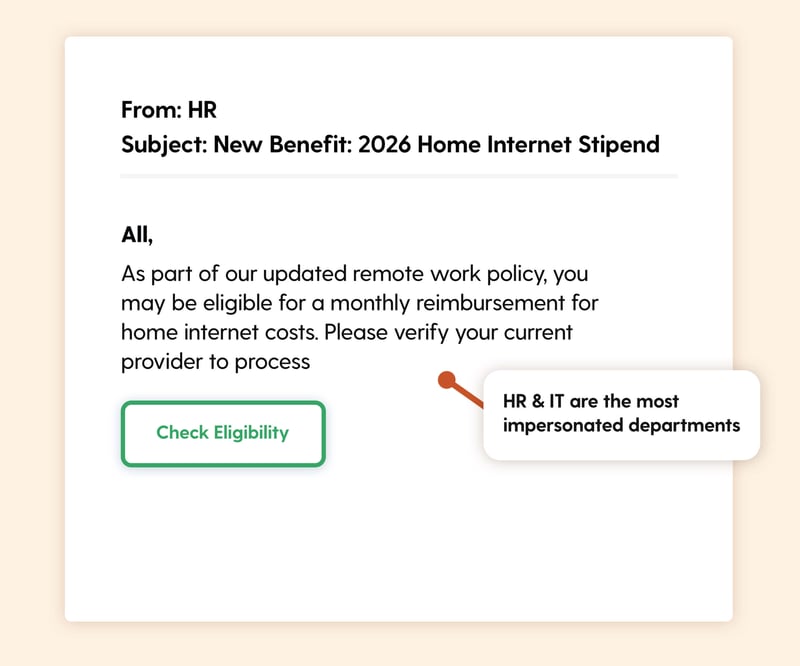
Scenario: An email appearing to be from "People Ops" or "Benefits" announces a new perk for 2026. It offers a monthly reimbursement or stipend for home internet costs. The user is asked to "Check Eligibility" or "Register Provider."
The Hook: This plays on gain and entitlement. Unlike a "You won a lottery" scam which usually raises eyebrows, a modest work-from-home benefit feels plausible. This is especially effective in January when new budgets and perks are often rolled out. It invites a "happy click" because users aren't scared. They just want the money they feel the company owes them.
Real-world risk: This tactic is a common vector for payroll fraud or identity theft. The landing page collects banking details for the "deposit" or sensitive personal info to "verify" the account.
Access Ending
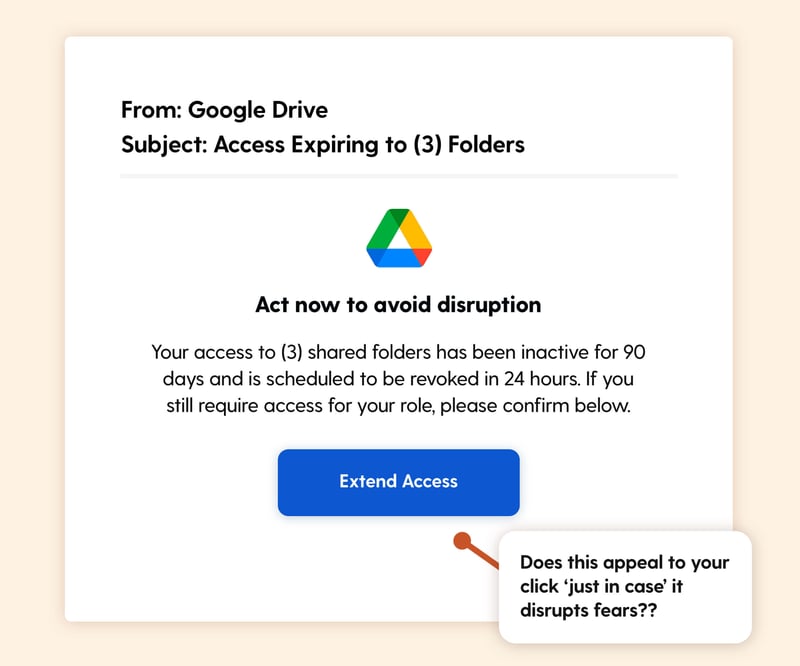
Scenario: A notification from a collaboration tool like Google Drive or SharePoint alerts the user that their access to a shared folder is set to expire due to inactivity. It asks them to "Review Access" or "Keep Access" to maintain their permissions.
The Hook: This leverages the fear of losing resources. Even if the user doesn't immediately recognize the folder name (e.g., "Strategy Assets"), the thought of being locked out of a potentially useful document triggers a digital hoarding instinct. They click to renew their access "just in case" they need it later.
Real-world risk: This is a prime setup for credential harvesting. The link directs to a spoofed login page requiring the user to sign in to "verify" their identity before they can extend their access privileges.
Seating Shuffle
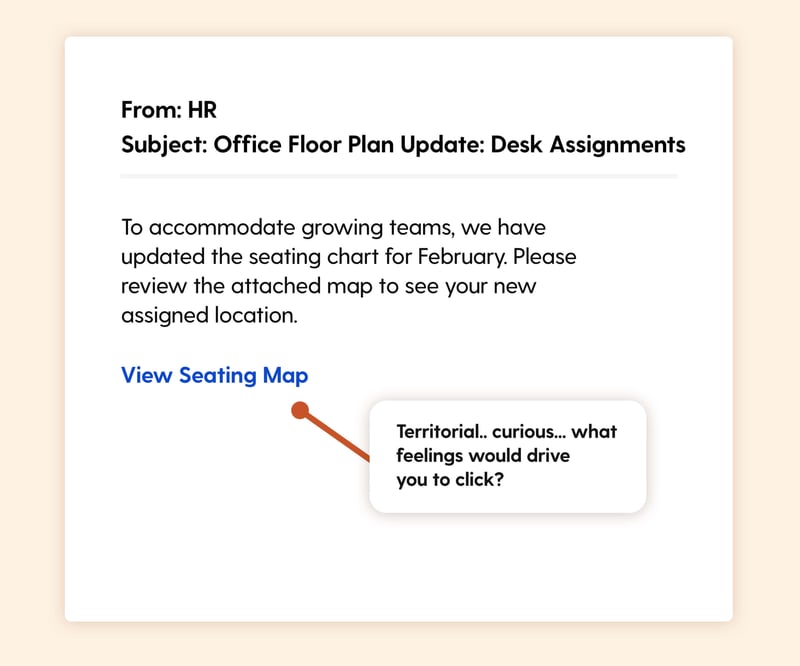
Scenario: Best for: Hybrid or Office-Based Teams.
An email from "Facilities" or "Workplace Ops" announces the Q1 seating chart or floor plan update. It implies that desk assignments have changed and invites the user to "View Seating Map."
The Hook: This hits a primal trigger which is territorialism. Even in hybrid companies, people are fiercely protective of their space. The immediate thought is, "Am I losing my window seat?" or "Are they moving me away from my team?" That emotional spike makes people click immediately to see where they ended up.
Real-world risk: This is a standard lure for credential harvesting hosted on fake file-sharing sites (e.g., "Login to Dropbox to view the map"). It targets the specific anxiety of workplace status and comfort.
Surprise Package
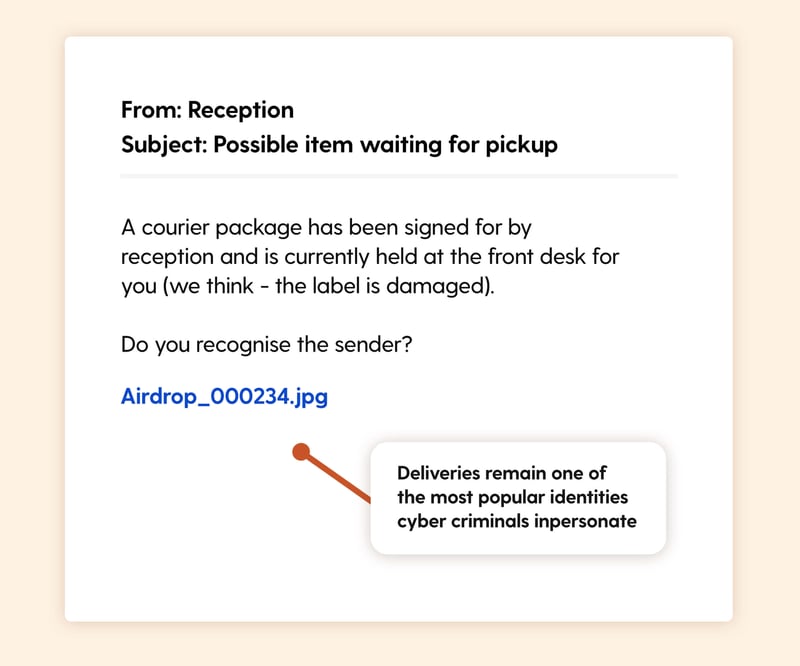
Scenario: A notification from "Reception" or "Front Desk" claims a courier package has been signed for and is waiting for the user. It asks them to "View Delivery Details" or "Confirm Pickup."
The Hook: Curiosity. We all love getting stuff. The ambiguity of "Courier Package" rather than just "Mail" suggests it might be important or valuable. Is it a client gift? New tech? The lack of specific detail prompts a click to resolve the uncertainty and close the loop.
Real-world risk: This is a common vector for delivering malware. The "Delivery Receipt" is frequently an infected PDF or a link to a drive-by download site.
Stay Vigilant in the New Year
Phishing attacks don't always look like scary warnings or Nigerian Princes. In 2026, they look like the boring, everyday admin tasks that fill our January to-do lists.
By integrating these realistic, "boring" scenarios into your training, you help your team build the muscle memory to pause and think even when they are just trying to get things done.
Want to explore more? Browse our blog for additional templates, and stay ahead of cyber threats with our curated training resources.
Ready to level up your organization's cybersecurity? Register for a free trial of Wizer Boost to access our full library of phishing templates and exercises!
Learn how to set up your first simulation in minutes.