
Email to Send
Sign up here for automatic reminders!

.png)
Prompt Safety & Browser Extensions

Email Subject Line:
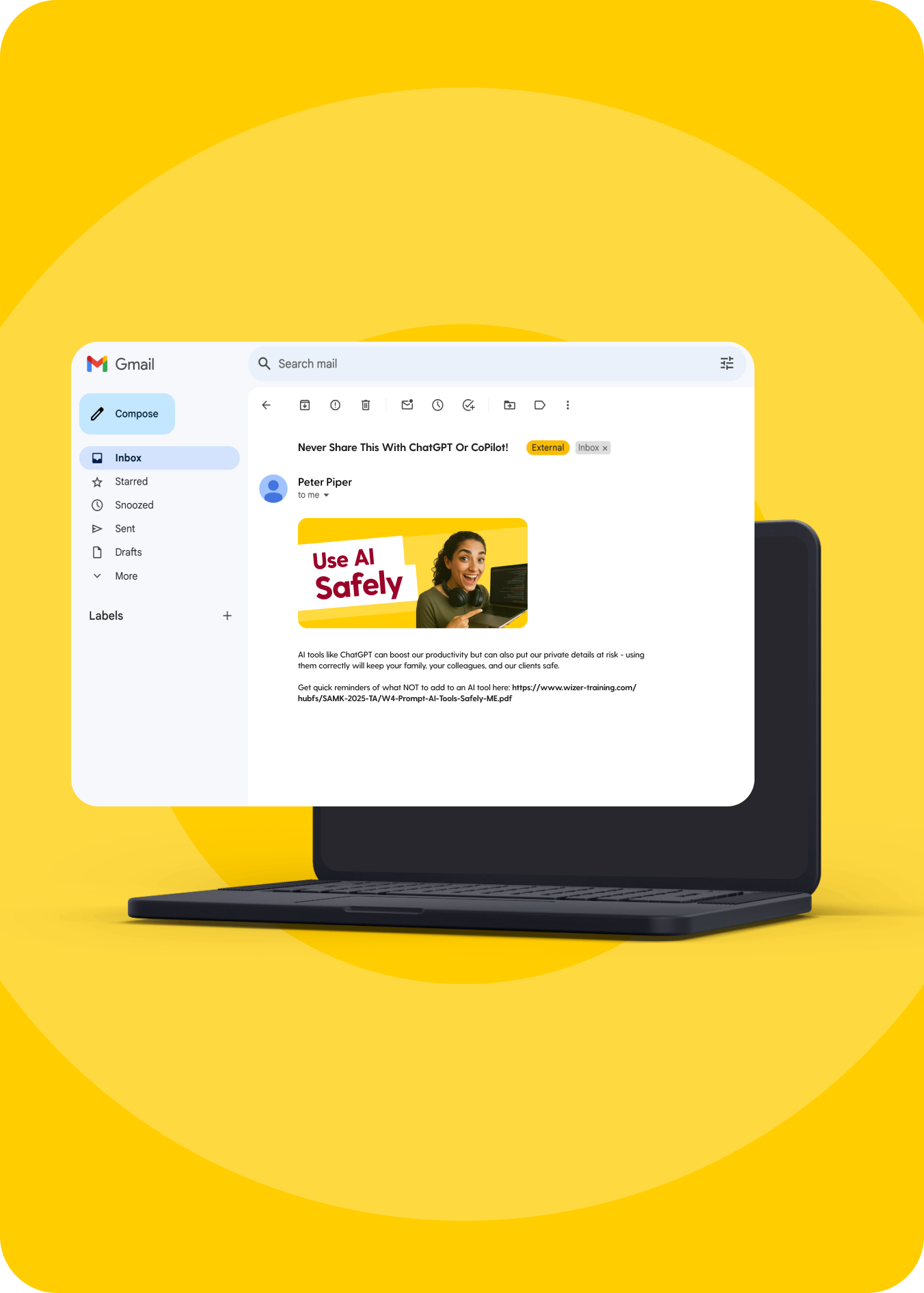
Never share this with ChatGPT or CoPilot!
AI tools like ChatGPT can boost our productivity but can also put our private details at risk - using them correctly will keep your family, your colleagues, and our clients safe.
Get quick reminders of what NOT to add to an AI tool here: https://www.wizer-training.com/hubfs/SAMK-2025-TA/W4-Prompt-AI-Tools-Safely-ME.pdf
AI tools like ChatGPT can seem magical, but stay cautious!
Beware of fake apps and extensions. They might contain malware in the guise of a productivity tool. Only download apps and browser extensions from trusted sources.
Watch this true story to learn some of the precautions to take with such tools: https://www.wizer-training.com/hubfs/SAMK-2025-TA/W4-Extension-Story-MS.mp4
#Deepfake #AI #Misinformation #Disinformation #OnlineSafety #FamilySafety #CyberSecurity #AI #ChatGPT #DigitalSafety #TechTips #StayWizer
Data Protection & Copy/Paste

Email Subject Line:
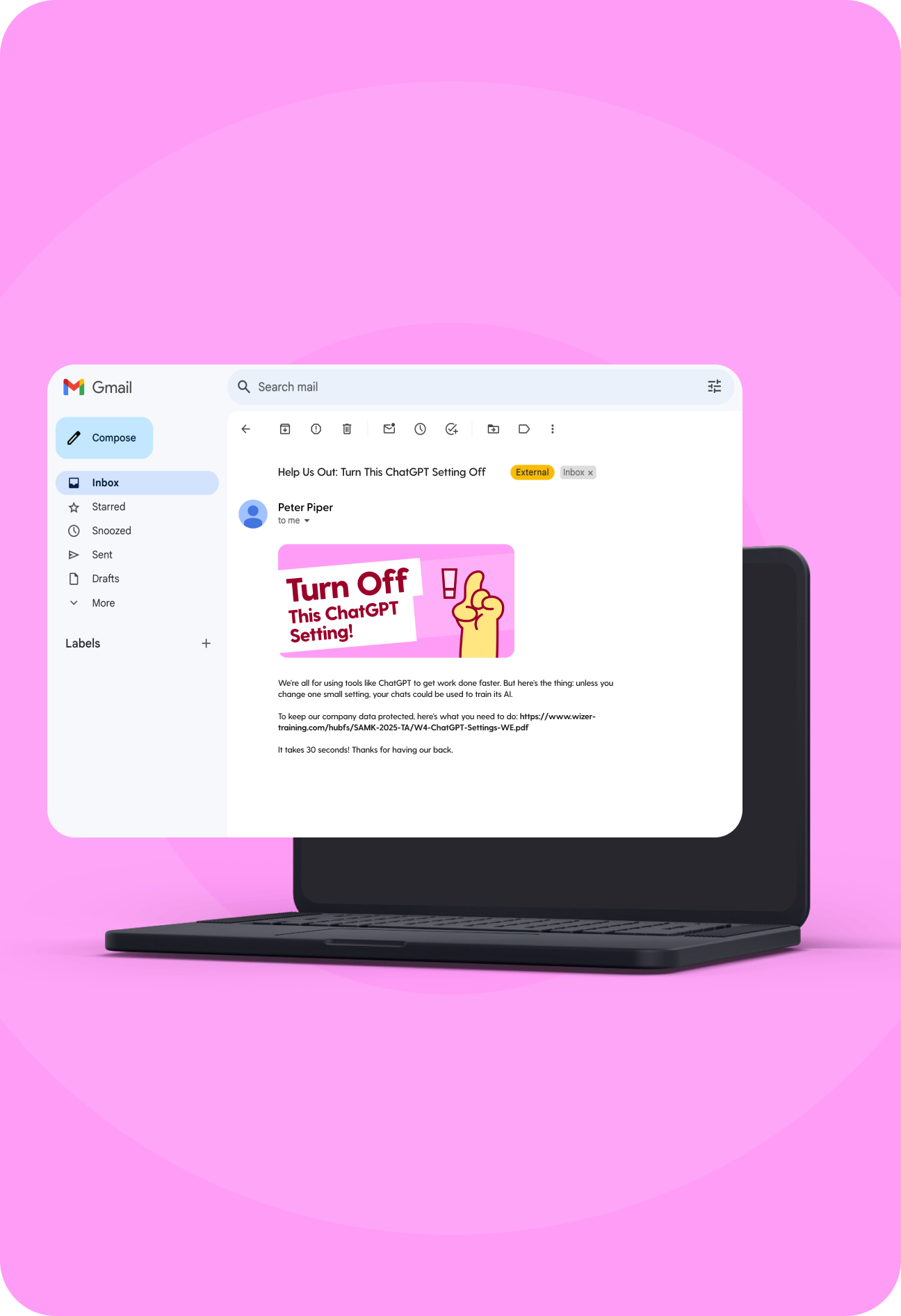
Help us out: turn this ChatGPT setting off
We’re all for using tools like ChatGPT to get work done faster. But here’s the thing: unless you change one small setting, your chats could be used to train its AI.
To keep our company data protected, here’s what you need to do: https://www.wizer-training.com/hubfs/SAMK-2025-TA/W4-ChatGPT-Settings-WE.pdf
It takes 30 seconds! Thanks for having our back.
You thought you were just copy/pasting a link…
But what if what you pasted wasn’t what you copied?
This real life story that we dramatized shows how a simple mistake can turn into a serious threat.
Watch to see what really happened to avoid a similar misstep: https://www.wizer-training.com/hubfs/SAMK-2025-TA/W4-Copy-Paste-Phishing-Link-Scam-WS.mp4
#StayWizer
AI Safe Use & Privacy

Email Subject Line:
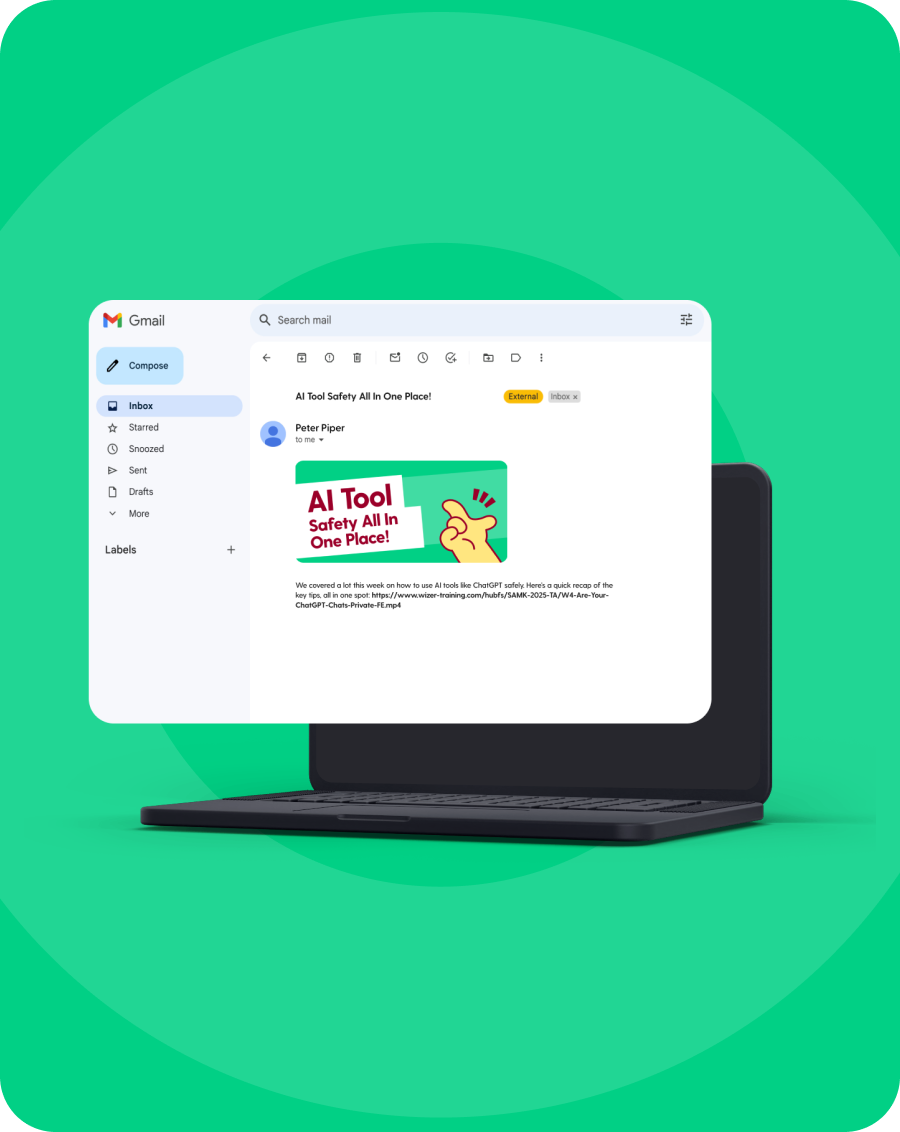
AI Tool Safety all in one place!
We covered a lot this week on how to use AI tools like ChatGPT safely. Here’s a quick recap of the key tips, all in one spot: https://www.wizer-training.com/hubfs/SAMK-2025-TA/W4-Are-Your-ChatGPT-Chats-Private-FE.mp4
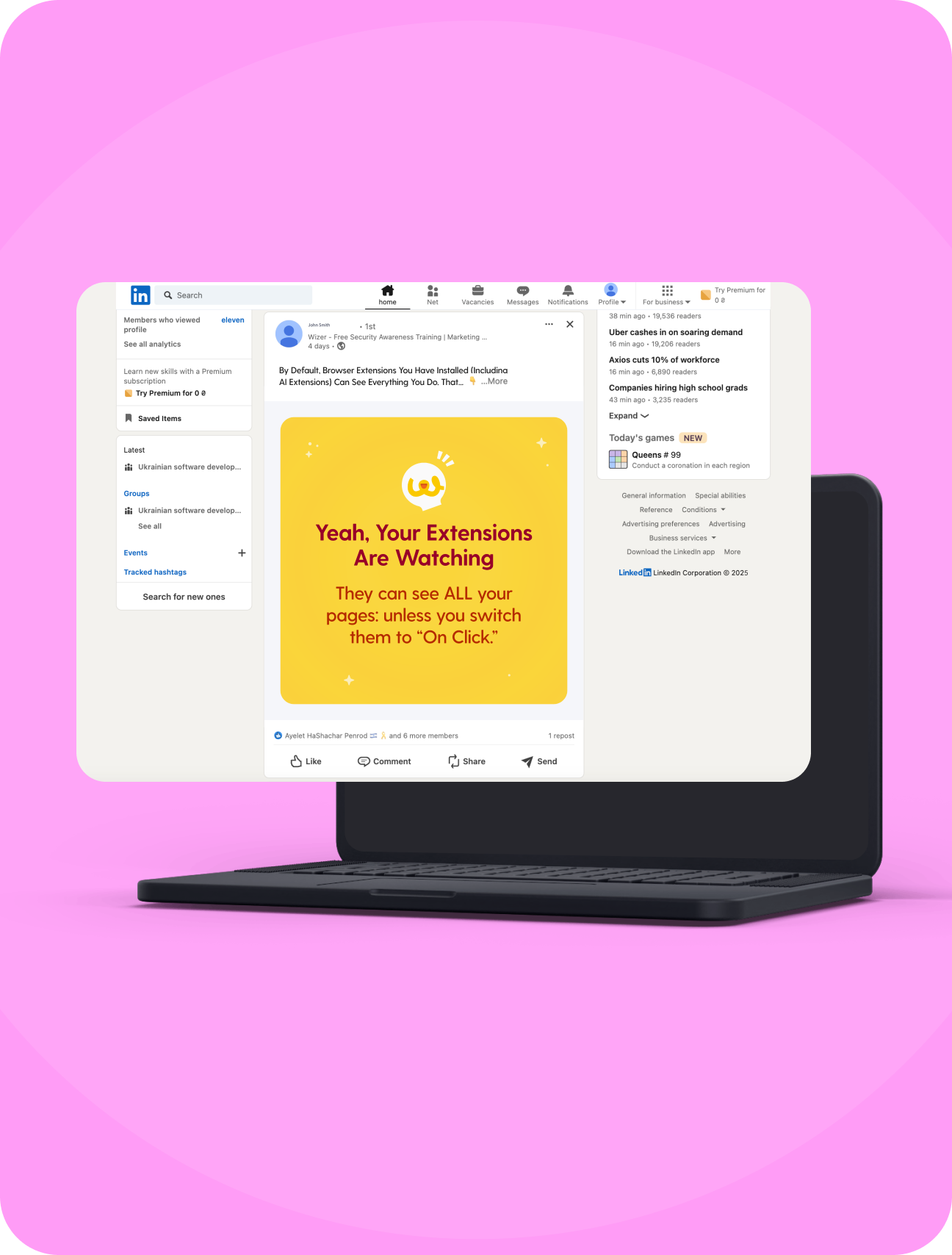
By default, browser extensions you have installed (including AI extensions) can see everything you do. That means every tab, every click. Even when you're not using them.
Quick fix: set them to “on click” only. It’s a simple switch that keeps your browsing private: https://www.wizer-training.com/hubfs/SAMK-2025-TA/W4-Browser-Extensions-On-Click-FS.pdf
#CyberSecurityAwareness #BrowserPrivacy #AIExtensions #OnClickOnly #StayWizer
Sign up here & just copy/paste to your team!