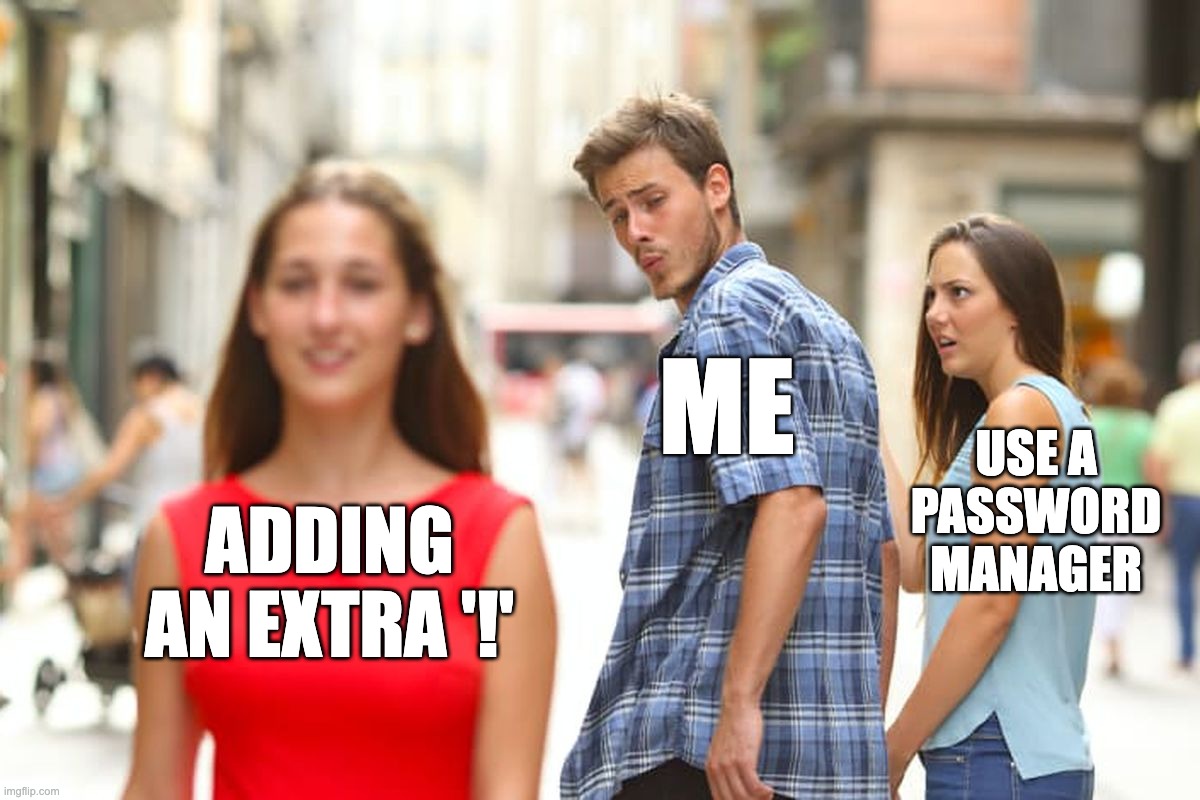
#1 The feeling, when uploading all company private data to LLM just for centering <div>. Meme
That feeling when you solve a 3-hour CSS headache in 30 seconds using an LLM. It feels like magic, right? But here's the catch: when you paste your company's private code or data into a public AI, it's no longer your secret.
Our advice, Ride the AI wave, but keep the sensitive stuff on shore. Use AI for logic and syntax, but keep proprietary data strictly offline. It's the only way to keep the party going without a data leak crashing it.
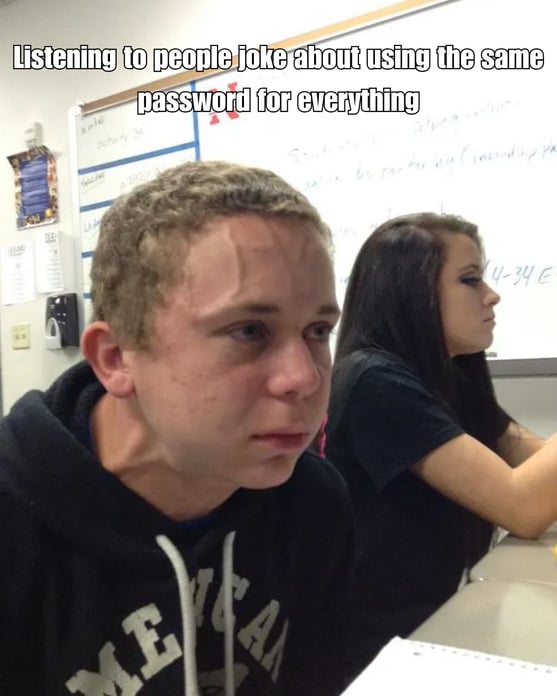
#2 Listening to people joke about using the same password for everything meme
Watching someone joke about using the same password for everything is the ultimate stress test for a security pro. One single leak doesn't just open one door; it hands over the keys to your entire digital kingdom to a criminal.
Our advice, Give your security team (and your heart rate) a break. Use a unique password for every account so that one minor mistake doesn't turn into a total catastrophe.
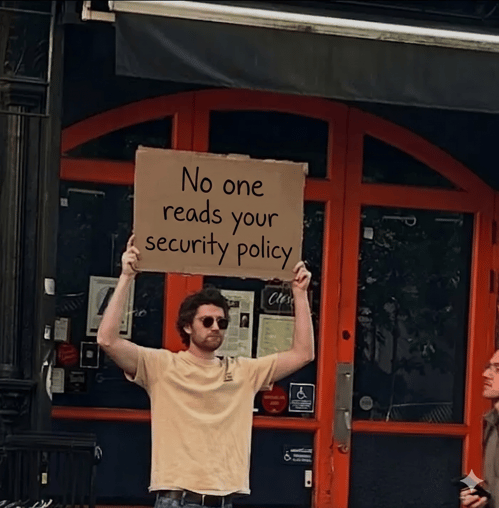
#3 No one reads your security policy Meme
No one likes reading long, dry policy documents, it's usually the first thing people skip. But that's where scammers win; they count on us not knowing the rules.
Instead of making you fall asleep over a PDF, we've found a better way. With WizerAI, we turn those boring security policies into engaging training videos in seconds. It's much easier to watch the highlights than to dig through the fine print!
Our advice, You don't need to be a legal scholar to stay safe. Check out how WizerAI makes learning the rules actually fun. A few minutes of video today saves you from a massive headache tomorrow!
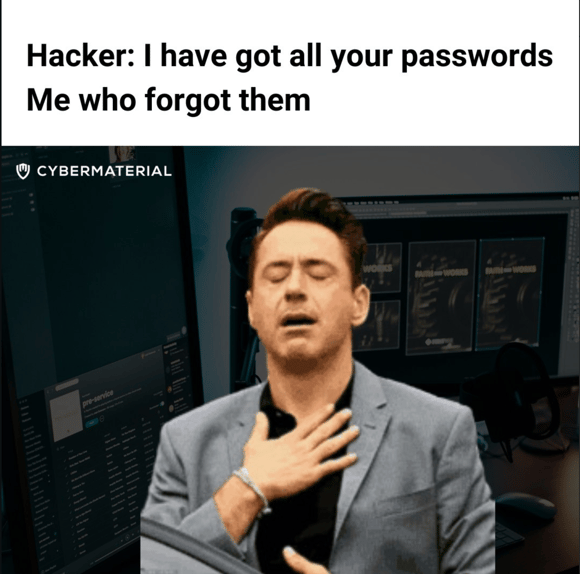
#4 Hacker has all my passwords Meme
That sweet, sweet moment of zen when even you don't know your password. If it's a total mystery to you, imagine how frustrated a scammer feels trying to guess it! It's the one time being forgetful is actually a superpower.
Our advice - Use a password manager to do the heavy lifting for you. You get to stay secure, and the attackers get to stay out. High fives all around!
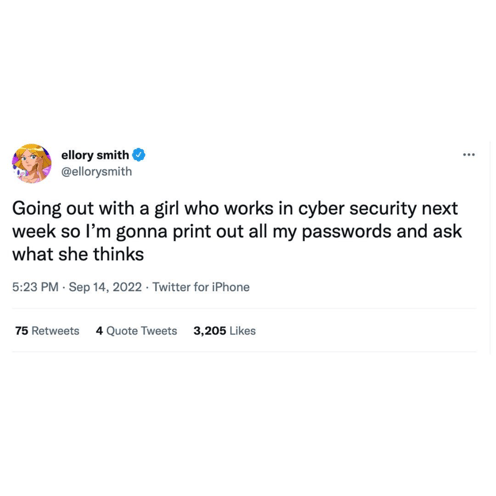
#5 printing out passwords Meme
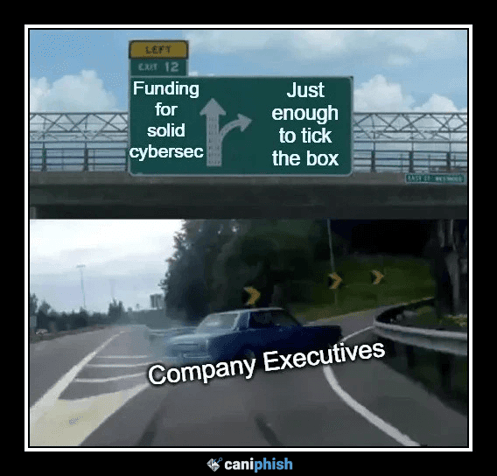
#6 just enough to tick the box Meme
We've all seen this movie before—swerving at the last second to take the easy way out. When it comes to passwords, "just enough to satisfy the requirements" is exactly what scammers are hoping for. A short password might tick the box for a website, but a criminal's software can crack it in less than an hour.
Our advice – Length is your best friend. Aim for passwords longer than 12 characters, or better yet, use a passphrase like three or four unrelated words. It's much easier for you to remember and nearly impossible for an attacker to guess. Or, just let a password manager handle the steering!
#6 Using a password manger Meme
We all like to claim we have perfect habits, but convenience often wins. Moving from a vulnerable notebook to a secure digital vault is the first step toward moving from "ticking the box" to actual protection.
Our advice – Stop relying on memory or paper. If you can remember all your passwords, they aren't strong enough. Let a password manager handle the complexity so you don't have to.
.png?width=494&height=618&name=meme%20(1).png)
#7 Opening a Email Attachment Meme
It's the ultimate irony—a company can spend millions on high-tech armor, but all it takes is one small "oops" to bypass it all. Dealing with scammers is like a business; they cast a wide net and wait for just one person to click. If that person has high-level access (like local admin rights), that one click can be a game-changer for the wrong reasons.
Our advice – Remember that attackers don't discriminate; they just need an opening. Take a second to breathe before opening an unexpected attachment. Check out our free training for families and businesses—because making security awareness accessible to everyone is just the right thing to do.
.png?width=432&height=540&name=meme%20(2).png)
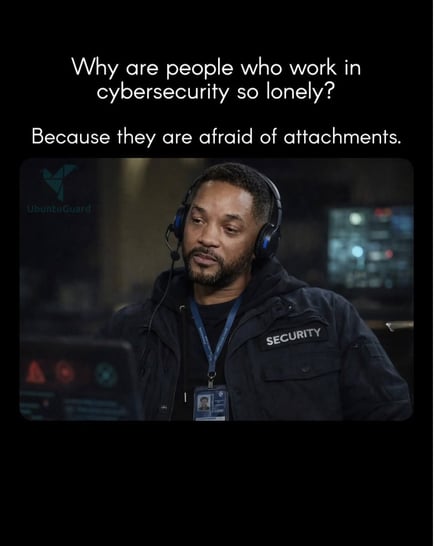
#8 why are Cybersecurity people so lonely meme
It's a classic joke for a reason—in the world of security, "attachments" are rarely a good sign! Security pros aren't actually lonely; they've just seen enough "Invoice_Direct_Payment.exe" files to know that a little healthy skepticism is a superpower.
Our advice – Break the cycle of "reused password syndrome." Use a password manager to generate and store random, rock-solid passwords for every account. It's the easiest way to stay secure without having to be a math genius or a memory expert.
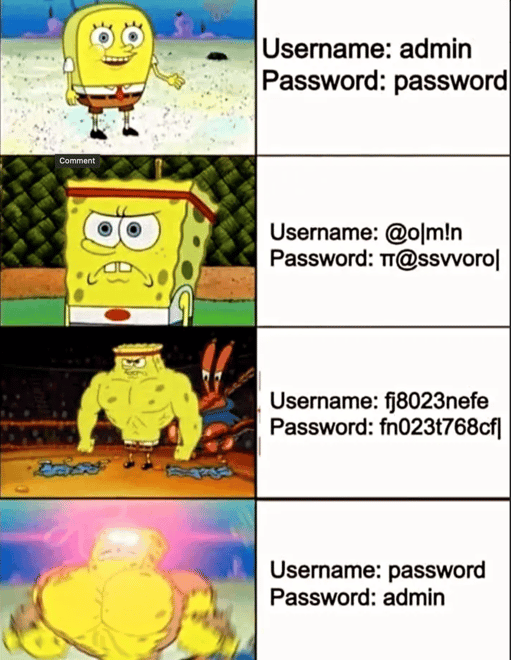
#9 password and username meme
Swapping your username and password might feel like a "big brain" move, but automated bots will guess that in a heartbeat
Our advice – While we don't encourage weak passwords, enabling MFA is the best way to bulk up your security and keep scammers out!
Thanks for browsing our security awareness memes, feel free to share! We hope it brought a little fun to your day!