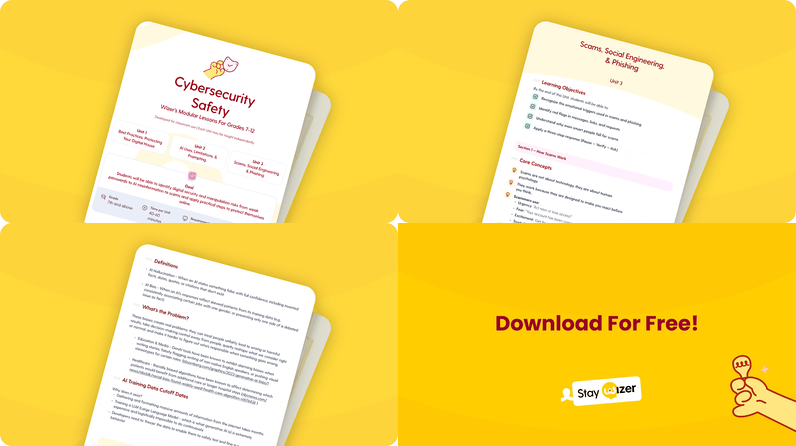
- Account Safety, Passwords & Privacy: strong passwords, MFA, and app permissions
- AI Safety & Prompting: spotting AI hallucinations and using AI tools responsibly
- Scams, Social Engineering & Phishing : recognizing manipulation tactics online and off
Teaching runs through my family. My mom, my sisters, their husbands, my brother, and my husband. Not to mention my own stint working as a substitute teacher and later in our school district’s communications department. Suffice it to say, I have a soft spot for the teaching world, and if there's one thing I've learned watching it up close, it's that "here's one more thing to teach" is no small ask.
The Compliance Wave Already Headed for the Classroom
And that’s exactly what is being piled upon teachers with the growing Digital Media Literacy laws being enacted across the U.S. And with AI’s mass entrance into our lives including the classroom, it’s only going to increase. However, most of these laws don't create a dedicated role but rather they push the instruction into existing subjects, which in practice means classroom teachers, not just IT or counseling staff, are the ones expected to deliver it.
Don’t get me wrong, the mandates make sense as K-12 is a highly targeted sector. In 2024, 63% of lower-education institutions reported an attack, and over 90% of the ransomware attacks in that sector traced back to an exploited vulnerability, a compromised credential, or a phishing email. In one such case, a teacher's email account at a high school was hacked, then used to send a fake job offer to students and staff across the district. One compromised account, an entire district exposed.
Free Internet Safety Lesson for Teachers Who Don't Have Time to Build One
That's why we built the Wizer Cybersecurity Teacher Lessons: a free resource that lets any classroom teacher, not just IT staff, open up conversations about online safety with students, without building a curriculum from scratch or finding time they don't have.
It's built for grades 7 and up, split into three 60-minute units you can also break into smaller modular lessons covering:
- Account Safety Basics & Privacy : the fundamentals of protecting personal information online.
- AI Safety & Best Practices for Prompting : how to use AI tools thoughtfully, including what not to share with them and how to sanity-check what they produce.
- Scams & Social Engineering : recognizing manipulation tactics, online and off.
Looking for video-led digital safety courses for students that are easy to deploy, simple for teachers to manage, and cover a broader range of online safety topics? Check out our Wizer for Students offering built just for Schools!
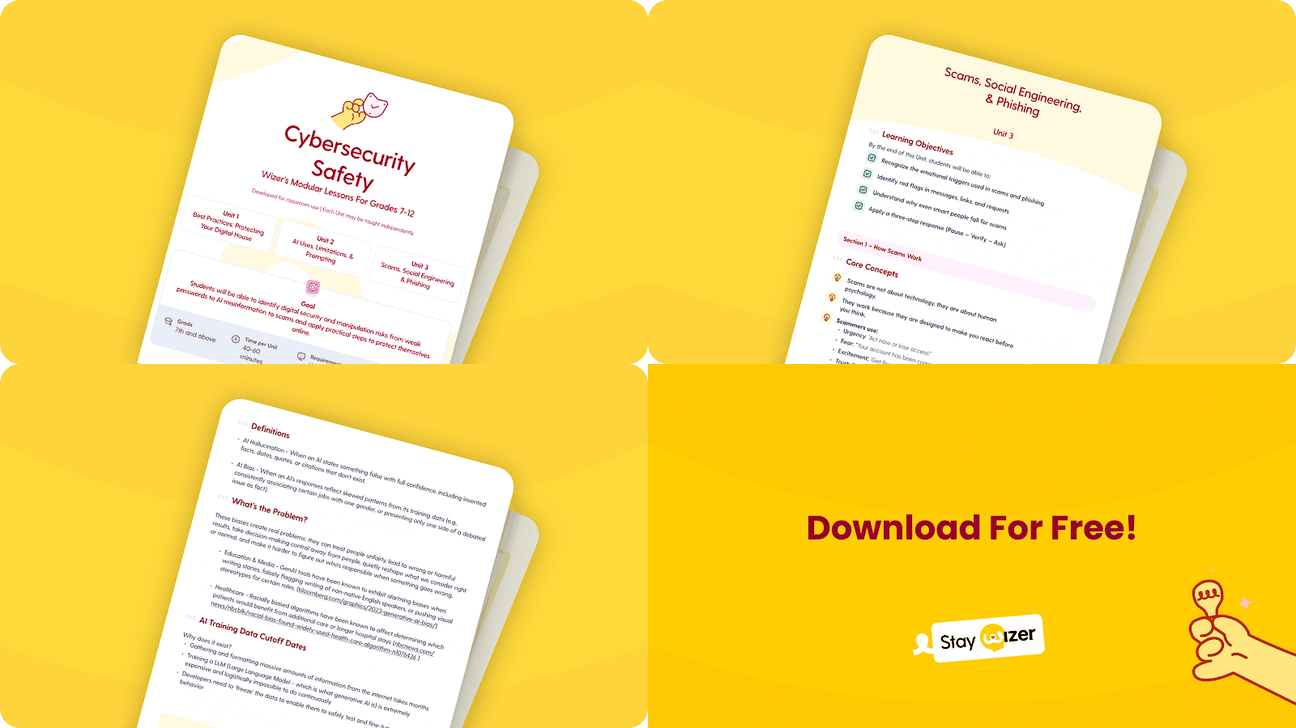
Download Our Free Cybersecurity Teacher Lessons
Built to Fit Any Schedule
None of it requires you to build a unit from scratch or find a free period you don't have. Teach one 60-minute block, or pull a single modular lesson into an advisory period, homeroom, or the last fifteen minutes before a long weekend. That flexibility stays true to the Wizer philosophy of short, sweet security awareness insights that stick.
I don't think anyone sets out to pile more onto teachers, but if this saves even one teacher an evening of building something from scratch, that's the point of it. And if you use it, I'd genuinely like to hear how it went with your students, and how we can make it better.