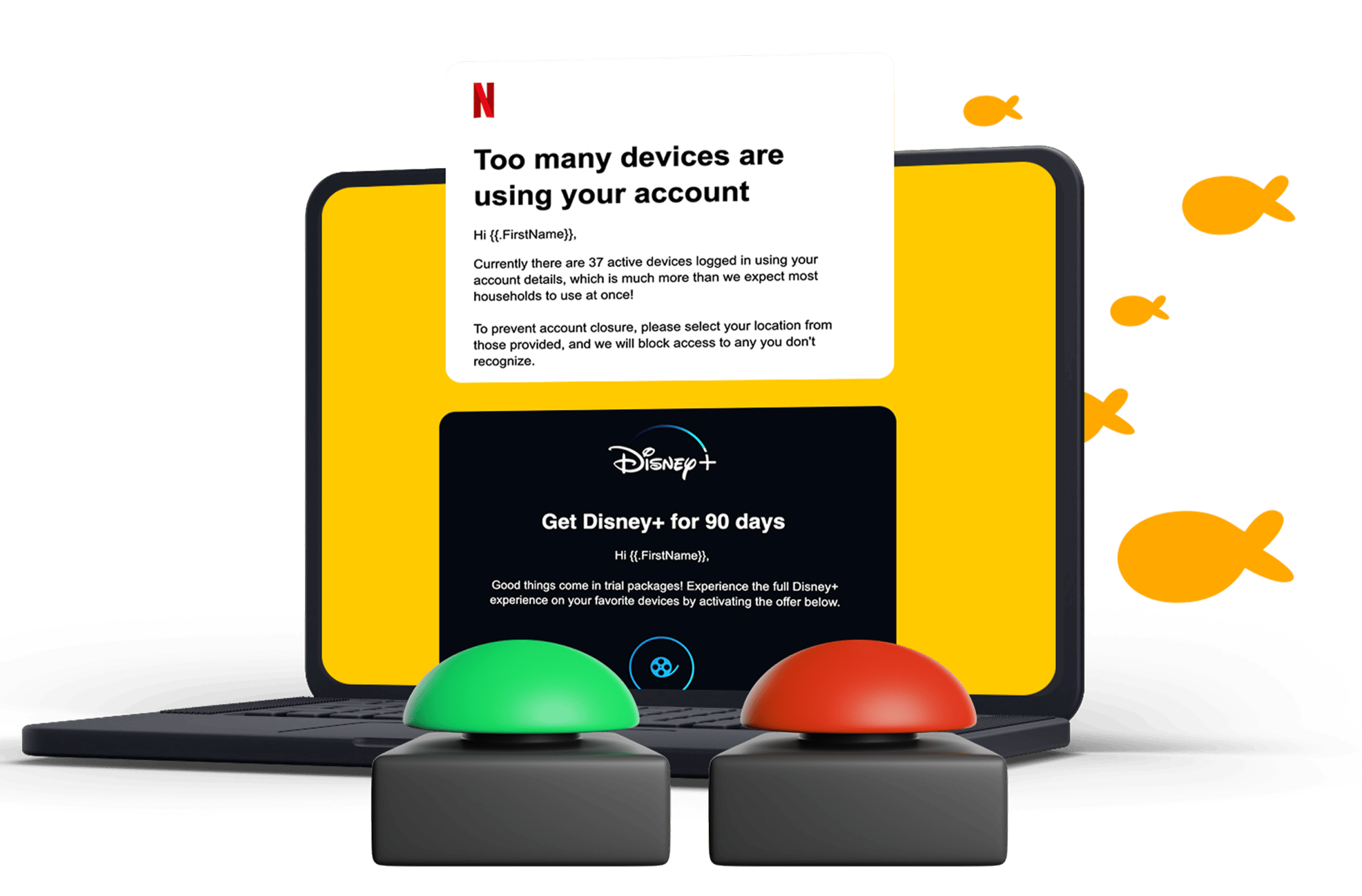
Identify employees and departments that are more likely to click phishing emails.
Get a Free Phishing Simulation, See Who on Your Team Would Click
✓ No credit card ✓ No commitment ✓ Takes just a few minutes to launch.
What is a phishing simulation?
How to run a free phishing simulation
Trusted Organizations
Regulation Topics Covered
Languages Offered
Create your free account
Choose a phishing template

Send it to your employees 

See who clicked

Ready to get Started?
No CC Required
What you'll learn from a phishing simulation
See who is most at risk immediately
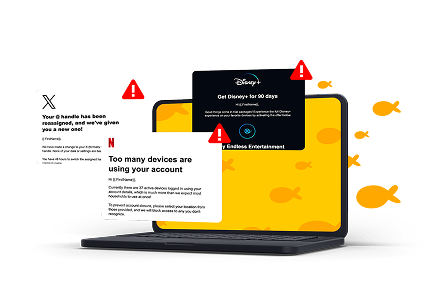
Discover which attacks work
Learn which phishing techniques are most convincing to your team. phishing techniques fool your team.
Know where to focus training
Use real results to decide who needs additional coaching instead of guessing.
Choose From Dozens of Realistic Phishing Simulation Templates
Launch realistic phishing emails in minutes. No design work required.
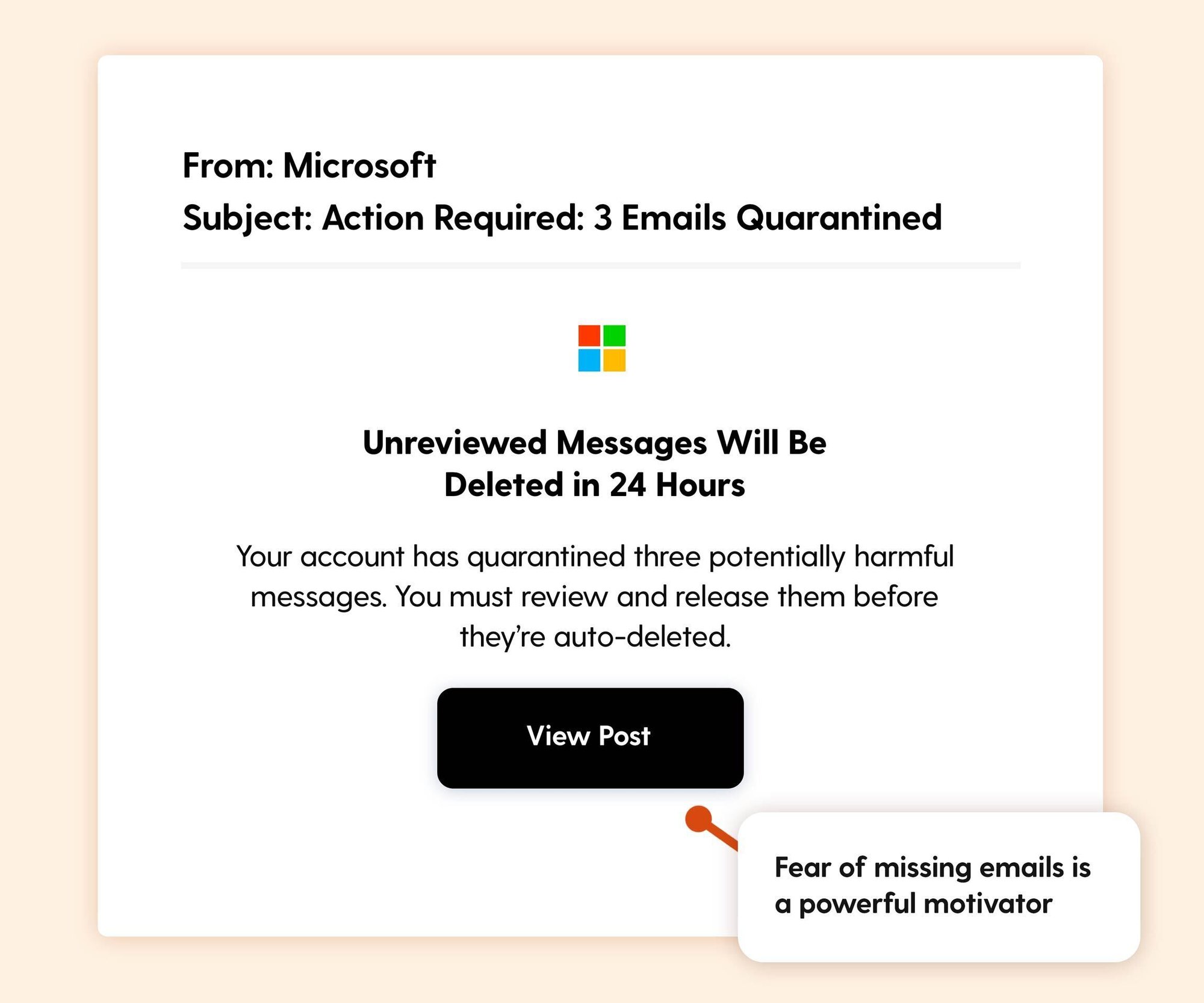
Microsoft 365
Looks like a routine Microsoft notification
Employees are used to seeing Microsoft emails every day. Attackers take advantage of that familiarity to create a false sense of urgency.
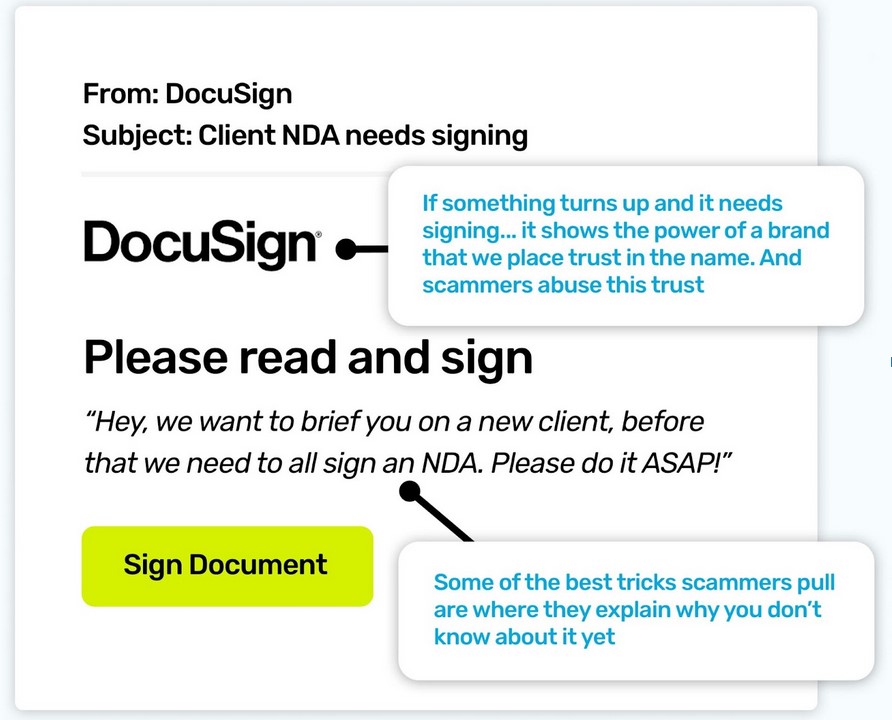
DocuSign
Creates urgency with document requests
A fake signature request is one of the most common phishing techniques because people don't want to delay contracts or approvals.
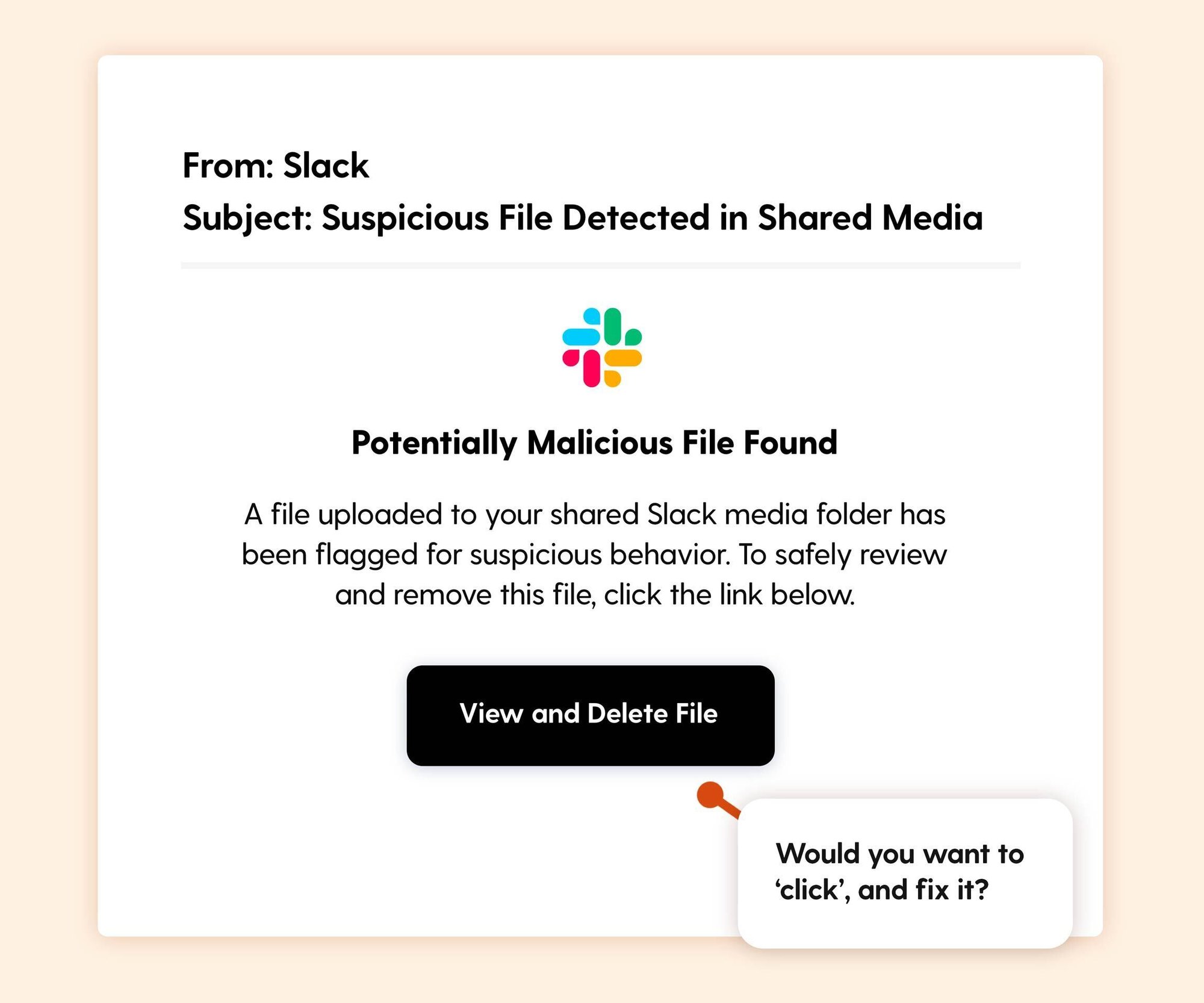
Teams
Blends into the normal workday
A missed call or shared file notification feels routine, making it easy to click without thinking.
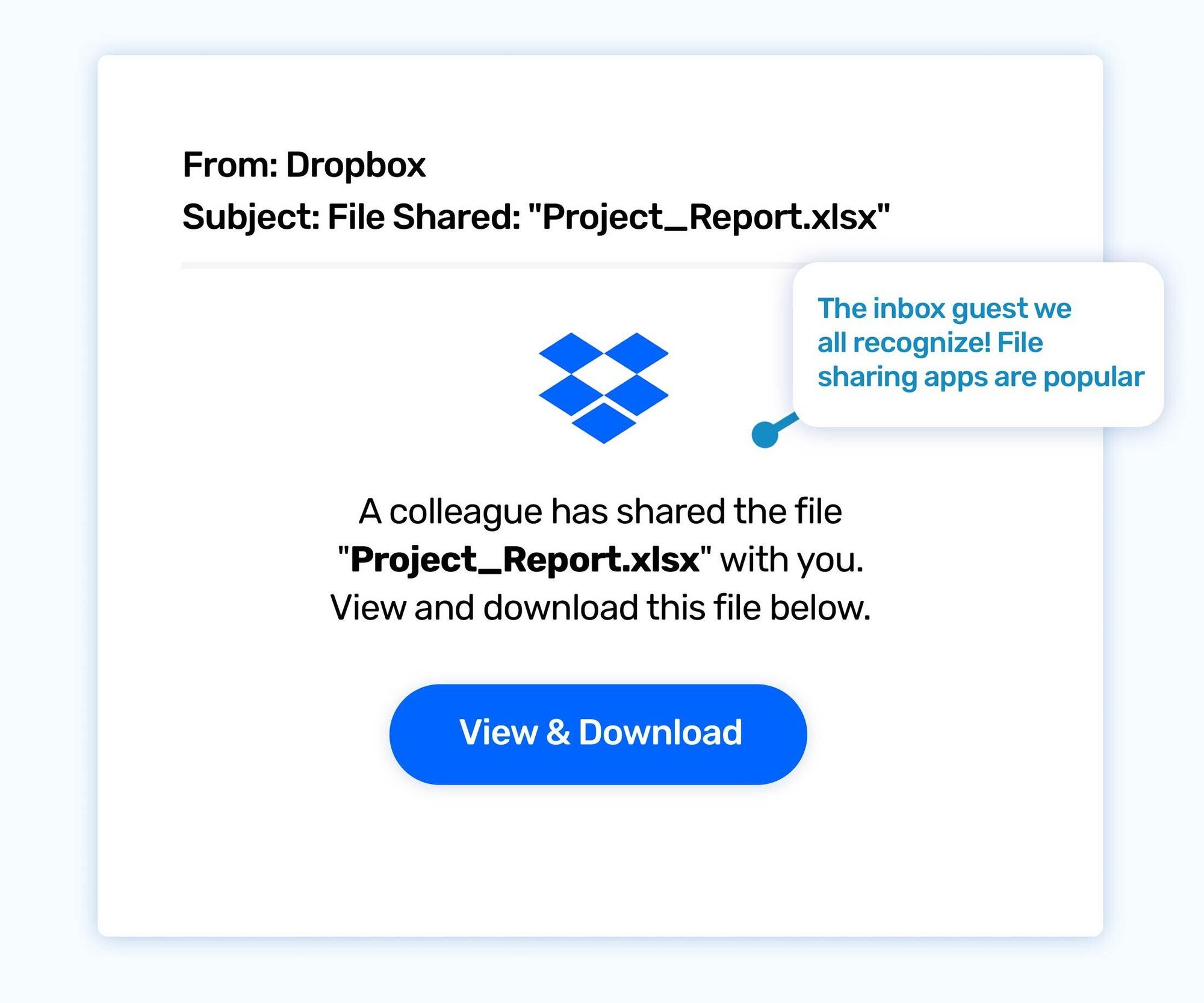
Dropbox
Uses trusted brands to build confidence
File sharing requests are common. Employees often click first and verify later.
Payroll
Targets emotion
Anything involving salary, tax forms, or benefits tends to get immediate attention.
Employees who click can immediately receive:
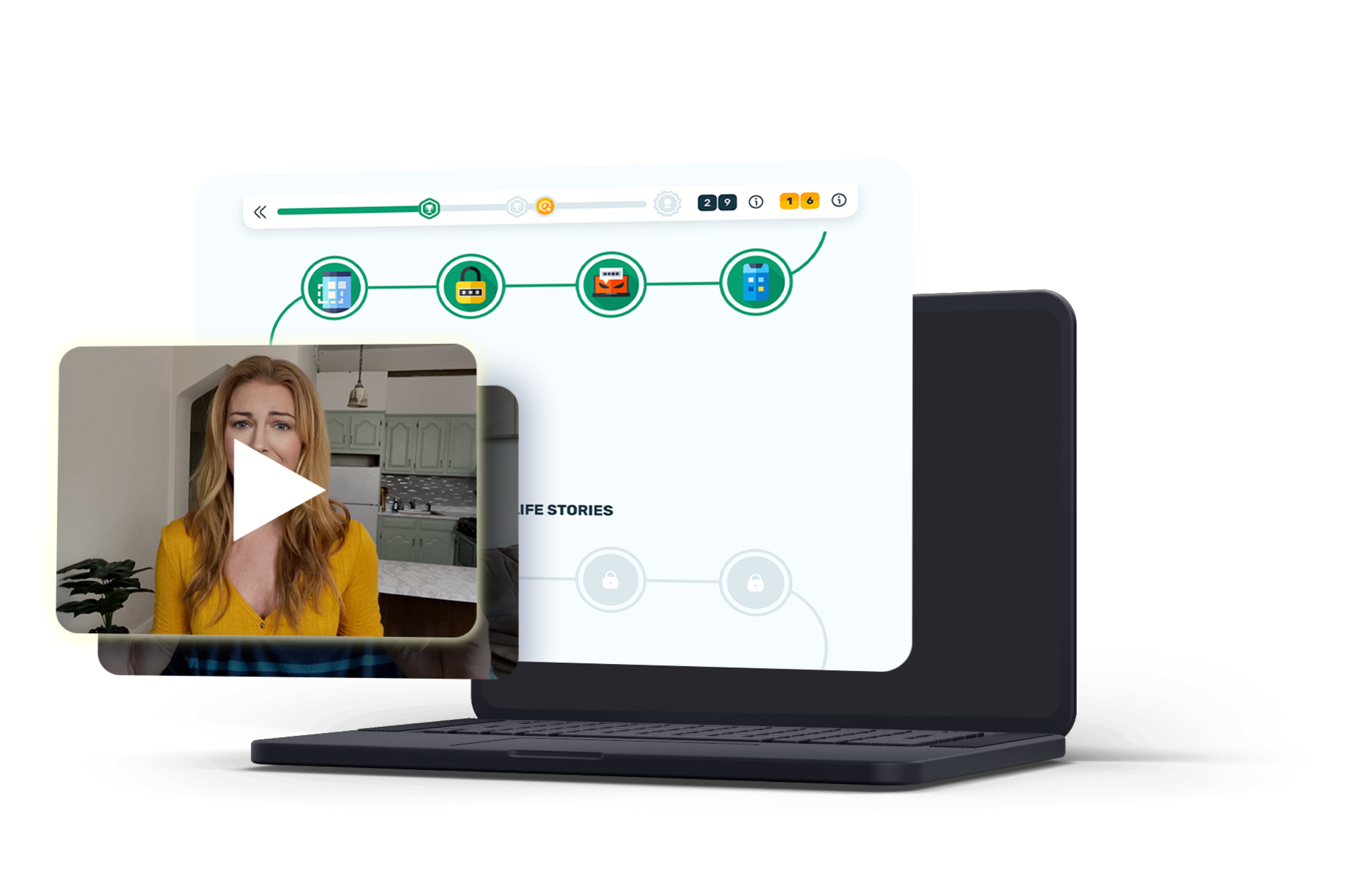
A 1-minute relatable & engaging training video
Additional phishing education
Monthly training & phishing exercises
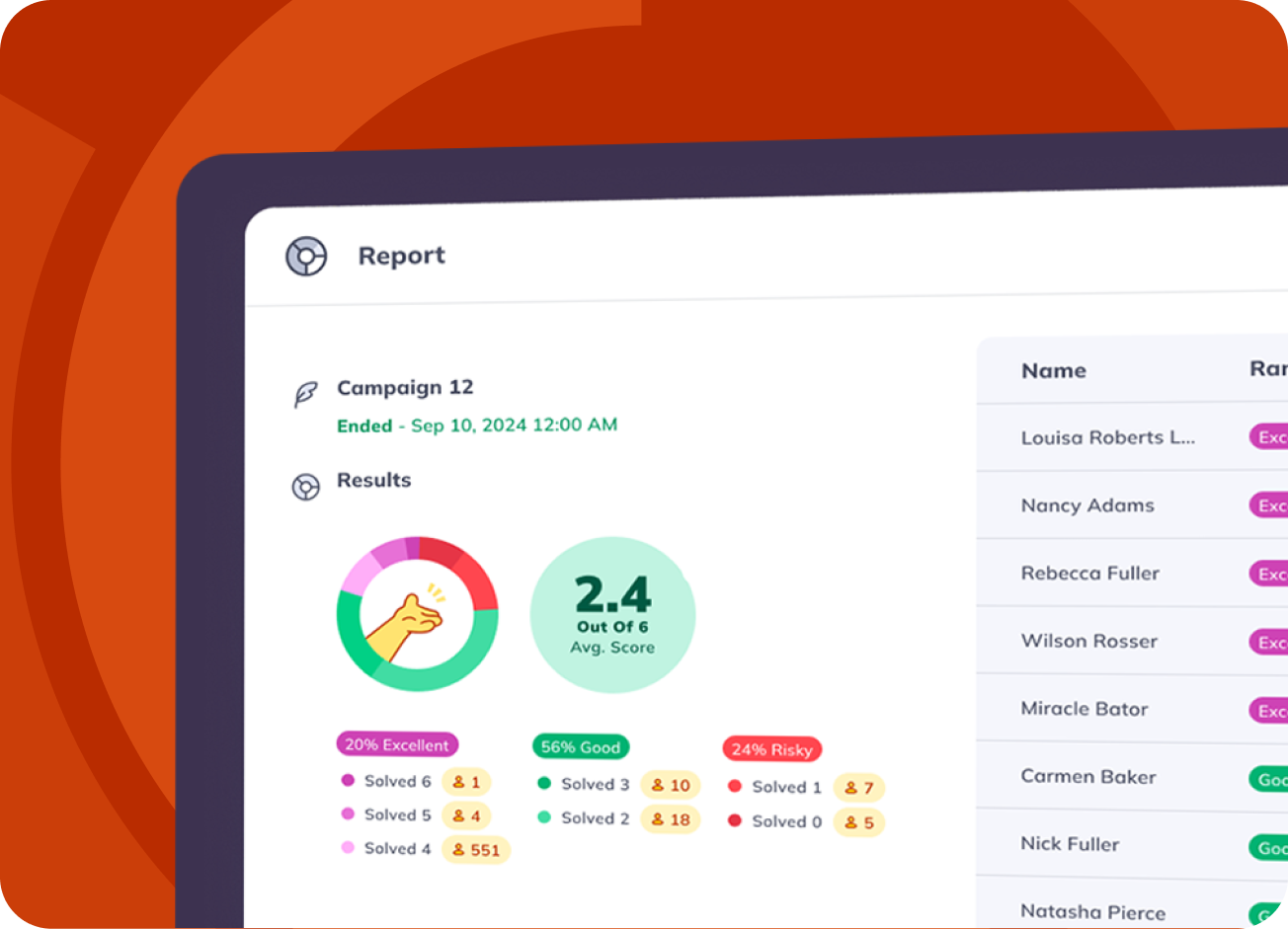
Measure the results of your phishing simulation
Track click rates, report rates, and employee responses in one simple dashboard. Identify high-risk users, spot trends across departments, and focus your security awareness training where it's needed most.
Here is a step-by-step guide on how to set up a one-time free phishing simulation test
Have Questions or want a demo?
FAQ
Create a free Wizer account, upload or add your employees, choose a phishing template, and launch your simulation. Once it's complete, you'll see who clicked, who ignored the email, and who reported it.
Yes. The phishing simulation is included with your free 10-day access to Wizer. No credit card is required, and there's no commitment.
Most organizations can launch their first phishing simulation in just a few minutes. Wizer includes ready-to-use phishing templates, so there's nothing to build from scratch.
You'll get a clear report showing:
- Who clicked the phishing email
- Who reported it
- Who ignored it
- Overall click and report rates
These insights help you identify where additional security awareness training may be needed.
No harm is done. The simulation is completely safe. You can choose to automatically direct employees to a short training video that explains what they missed and how to spot similar attacks in the future.
Yes. You can use one of Wizer's ready-made phishing templates or customize the email to better match your organization's needs.
You can run your simulation with up to 100 employees during your free trial.
No. The simulation is designed to feel like a real phishing email, allowing you to measure how employees would respond in a real-world situation. Once the simulation is complete, you can use the results as a learning opportunity rather than a punishment.